
How Can We Help?
Returning Orders
- Go to the Orders screen.
- Select the Completed order filter.
- Find and select the order to be returned.
Tip: The Search field or Time filter can help find the Order.
- Select the Return Order button at the bottom of the Order Details screen.
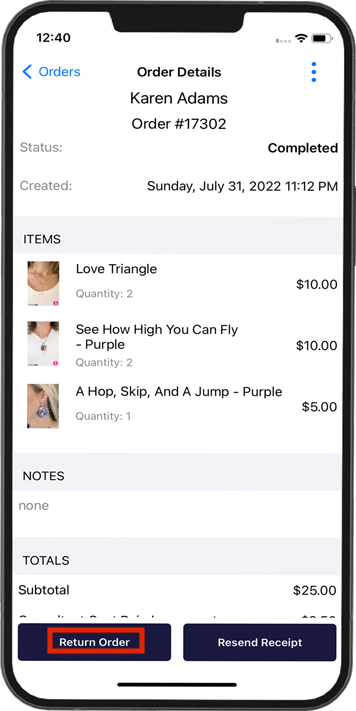
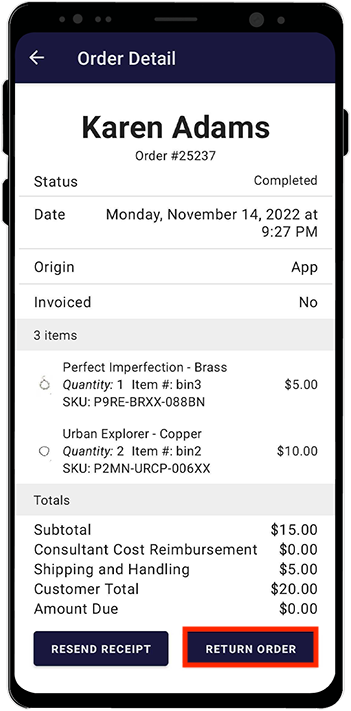
- Select the items and quantities to be returned.
- Choose to refund shipping and handling or not.
- Confirm the amount and tender are correct.
- Click Continue.
- A return receipt will be sent to both you and the customer.
- Your inventory will be updated accordingly.